
vfo-knob-ubersdr
The UberSDR firmware
vfo-knob-ubersdr makes the knob a dial for an UberSDR
web receiver: no radio, no computer. The knob talks to the receiver over its
own protocol, the one its web page uses, through UberSDR's tunnel or on your
own network, and plays its audio on the jack. It only receives, so there is
no PTT: the bottom of the face shows the DX cluster's spots on the band and
the voices the receiver hears there. The receiver's noise filters are where a
radio's gain is, its SNR where the AGC is, and its SSTV pictures are a swipe
away. A KiwiSDR or a
Web-888 can play beside it. The face uses UberSDR's own dark theme.
The pictures are the knob's own screens; the orange marks are what your hand does.
Tell the knob where the receiver is
Open the knob's configuration page: hold a finger on the S-meter until the
knob clicks, then browse to the address on the card. The user is admin and
the password admin until you change it. Under UberSDR:
| Field | |
|---|---|
| Name, on the knob | what the dial calls it, ON6URE-TEL |
| Address | as its page has it: https://<name>.tunnel.ubersdr.org through UberSDR's tunnel, or host:8080 on your own network. A link pasted whole is taken apart: its name, and port 443 |
| Port | 443 through the tunnel (the knob then speaks TLS), the receiver's own on a LAN |
| Password | optional: the receiver's bypass password, where its owner gave you one |
Up to four receivers can be listed; In use is the one the knob starts with. Changes apply on the knob's next boot.
Without a password the knob listens as a guest, under the receiver's own rules: a time limit per session (an hour on many), and a busy receiver may turn it away. The password lifts both. Until the receiver answers, the knob says why, with its own addresses:
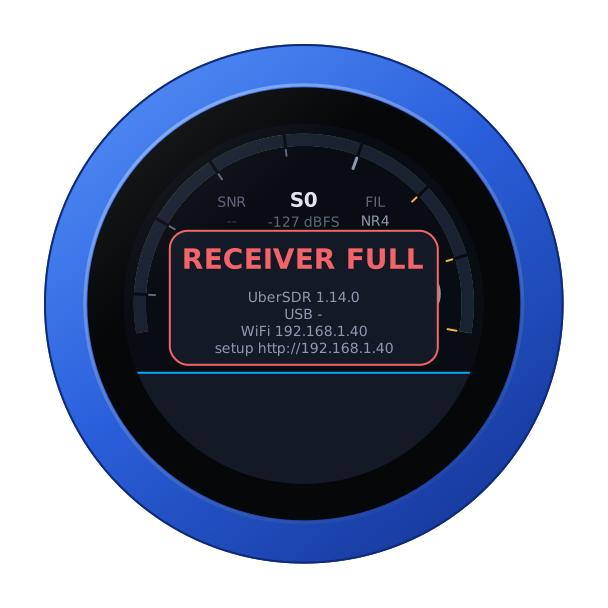
The face
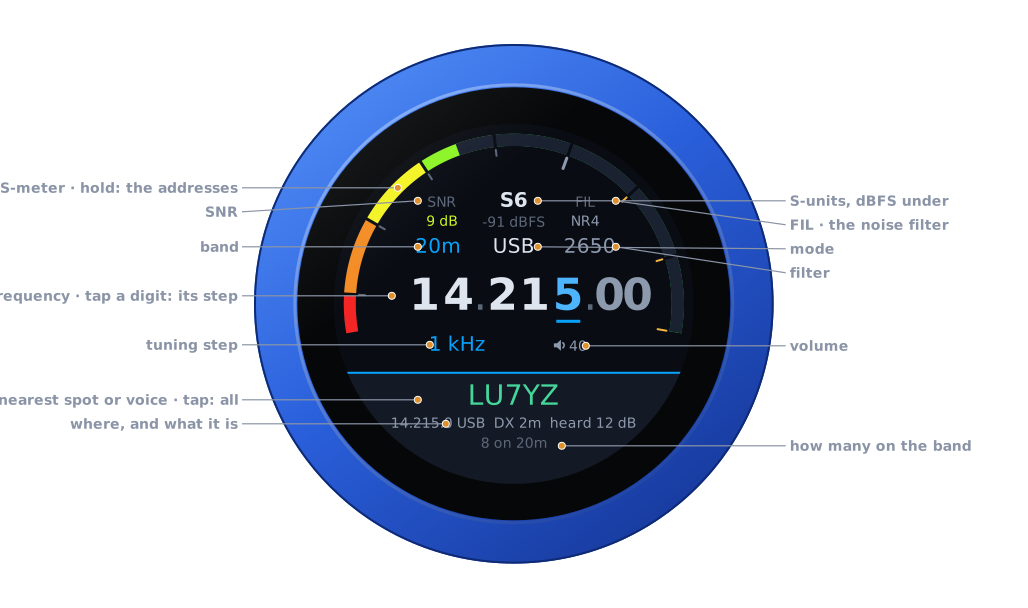
| Part | Tap | |
|---|---|---|
| S-meter | hold: the address card | S-units in UberSDR's colours, red through yellow to green, peak held a second; the level in dBFS under the reading |
| SNR | — | the signal above the noise in the passband, in dB: red at 0, green from 15, as UberSDR colours it |
| FIL | the noise filter | OFF, NR2, RN2, NR4, whichever the receiver runs |
| Band | the band editor | 160 m to 10 m, each band's own frequency |
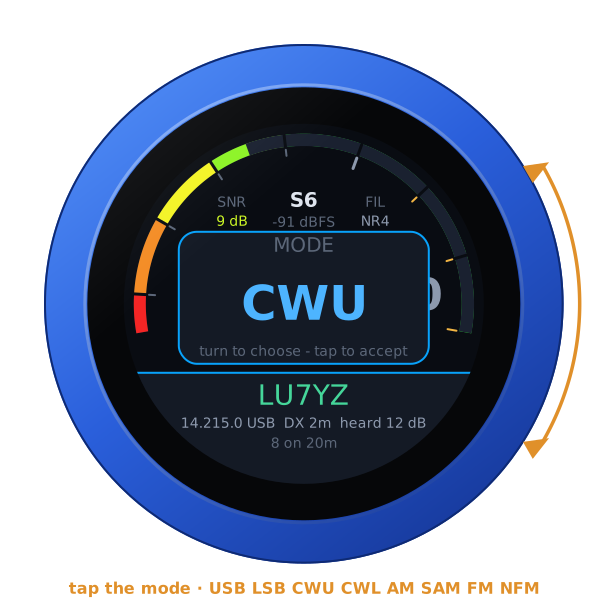
| Mode | the mode editor | USB, LSB, CWU, CWL, AM, SAM, FM, NFM, UberSDR's own names |
| Filter | the filter editor | its width, by mode: 1.8 to 5 kHz for a sideband, 100 Hz to 1 kHz in CW, 4 to 12 kHz in AM, 10 to 16 kHz in FM |
| Frequency | a digit: the tuning step | the underlined digit is the step |
| Step, volume | volume: its editor | the knob's own level |
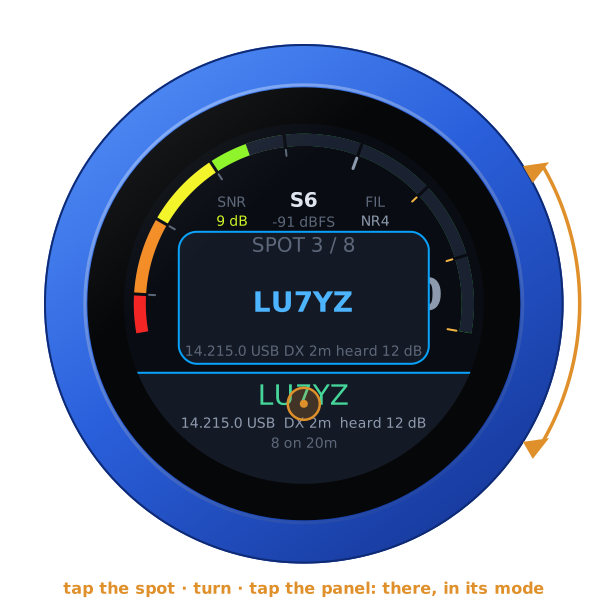
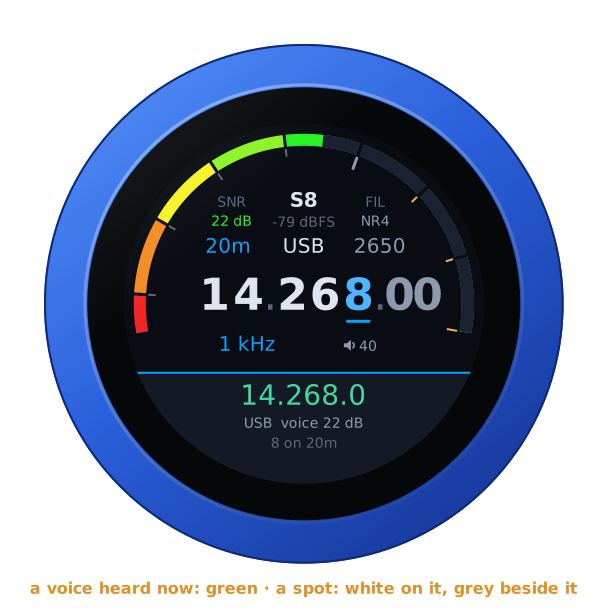
| The spot or voice | all of them, on the dial | the one nearest the dial: green while it is heard, white when you are on it, grey beside it; under it where and what it is, and how many there are on the band |
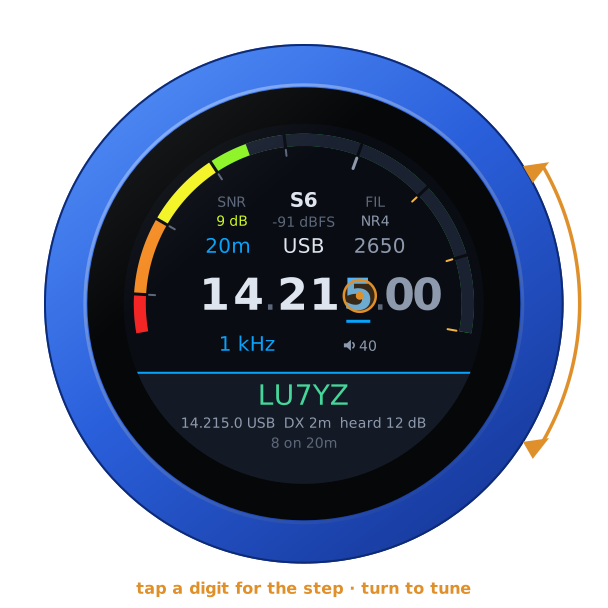
Turn the knob to tune: a slow turn moves a step at a time, a flick crosses a band. Band and mode change on a tap on the panel. The filter, the noise filter and the volume apply as you turn, and any tap closes them.
| Tune | The noise filter | The mode |
|---|---|---|
 | 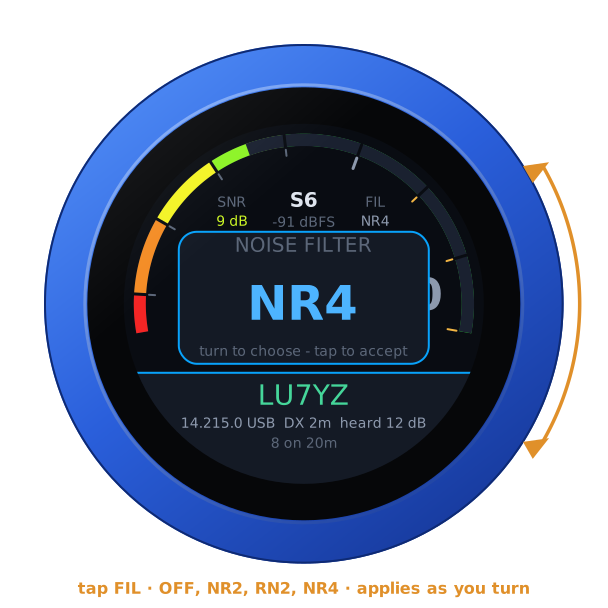 |  |
The noise filters run on the receiver, before its audio is sent: NR2 spectral subtraction, RN2 RNNoise, NR4 libspecbleach. The knob offers only the ones the receiver runs. The knob asks for a filter once the dial has rested on it for half a second, and at most once a second, which is as often as UberSDR takes them. If all the receiver's filters are in use, the knob says FILTERS FULL and goes back to what is running.
Spots and voices
The receiver's DX cluster, and the voices its own detector hears, are the knob's too. The bottom of the face shows the one nearest the dial on the band you are on. In a voice mode that means the cluster's voice spots and every voice heard now, whether anyone has spotted it or not: a voice nobody has named goes by its frequency. In CW it means the cluster's CW spots and the CW skimmer's. A voice on a spotted frequency is that spot, heard: it turns green, with the voice's SNR.
Tap it and they are all on the dial in frequency order, opened on the nearest. Turn to one and tap the panel, and the receiver goes there in its mode.
| On the dial | A voice nobody has spotted |
|---|---|
 |  |
The voices are asked for every ten seconds, and at once on another band. A cluster spot's mode is its comment's, where the comment names one, and otherwise the band plan's (IARU Region 1): CW at the bottom of a band, the digital modes above it, voice above those, on the lower sideband below 10 MHz. Spots for digital modes are left out: there is no voice to hear. Spots age out after half an hour, the skimmer's after ten minutes.
SSTV pictures
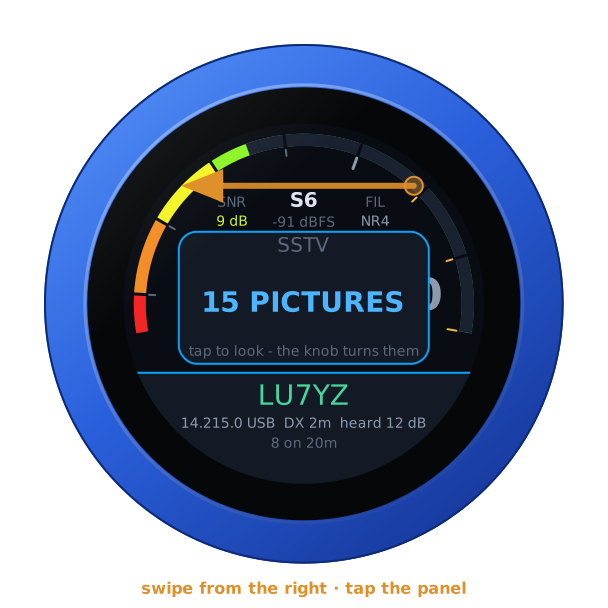
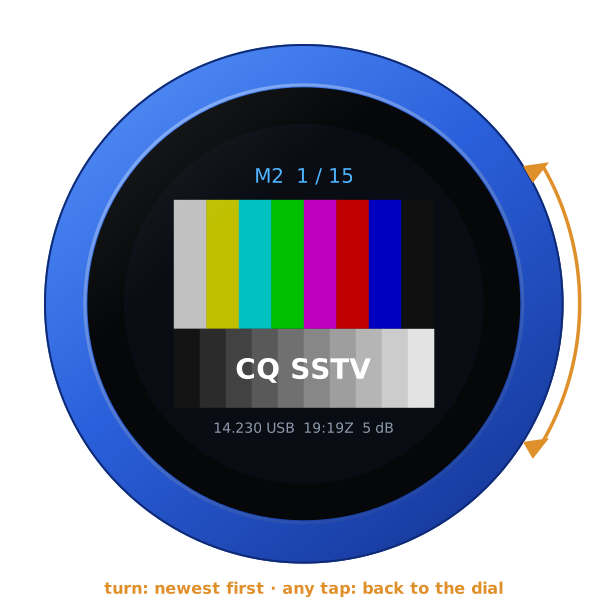
Where the receiver keeps an SSTV gallery (its sstv addon, which decodes the SSTV channels by itself), swipe from the right: the panel says how many pictures it has. Tap it and the newest fills the face, with its mode above and where and when under it. The knob steps through the rest, newest first: the next ones are fetched ahead while you look, so a turn is usually instant, and otherwise the last picture stays, dimmed, until the next is there. Any tap goes back to the dial.
| SSTV | A picture |
|---|---|
 |  |
A KiwiSDR beside it
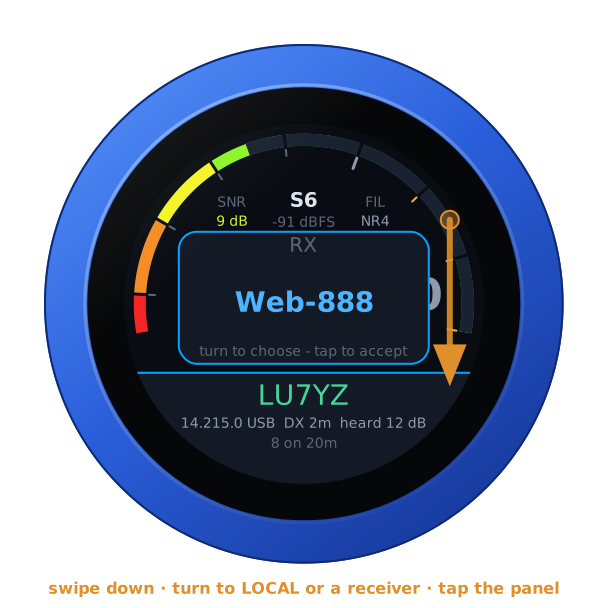
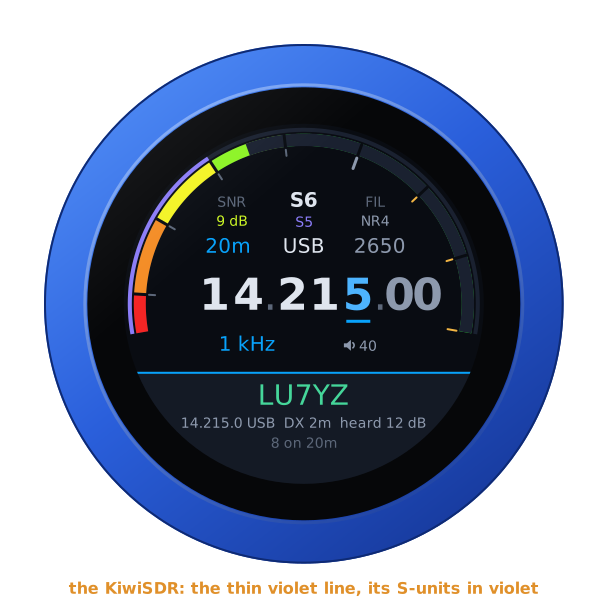
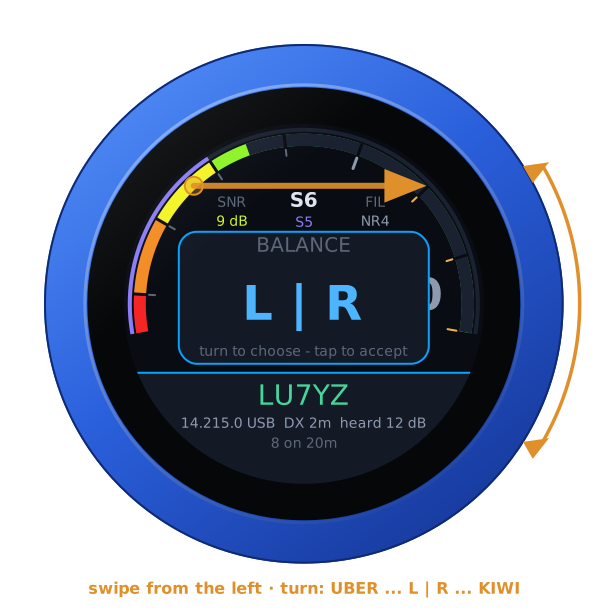
A KiwiSDR or a Web-888 can play beside the UberSDR, following its frequency, mode and passband. Add them under Web SDRs on the configuration page, each with a Test, then swipe down and choose one. The UberSDR is in the left ear and the KiwiSDR in the right, both brought to the same loudness. The KiwiSDR's S-meter is the thin violet line outside the UberSDR's, and its reading replaces the dBFS, in violet. BALANCE, a swipe from the left, fades from one to the other.
| RX | Playing | BALANCE |
|---|---|---|
 |  |  |
When the receiver ends the session
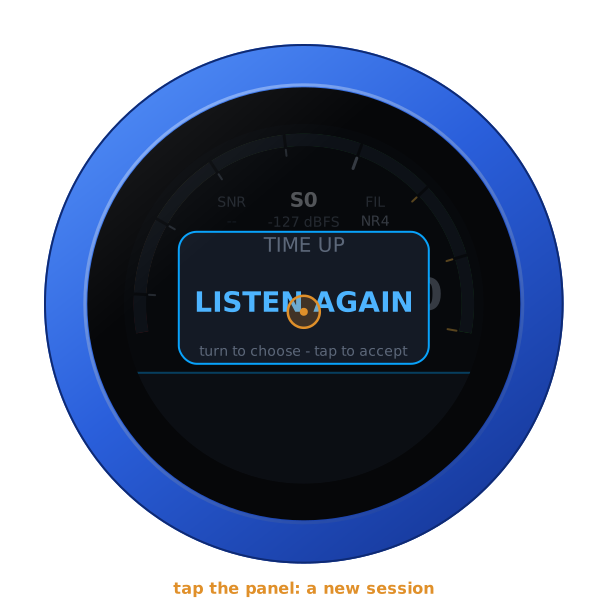
A receiver's owner may limit a session: an hour, often, or less time idle. When the receiver ends one, the knob does not start another by itself, as UberSDR's own page does not: it asks. Tap the panel for a new session. Turning the knob or touching the glass counts as listening, if a receiver has an idle timer. With the receiver's password none of this applies.
Another receiver
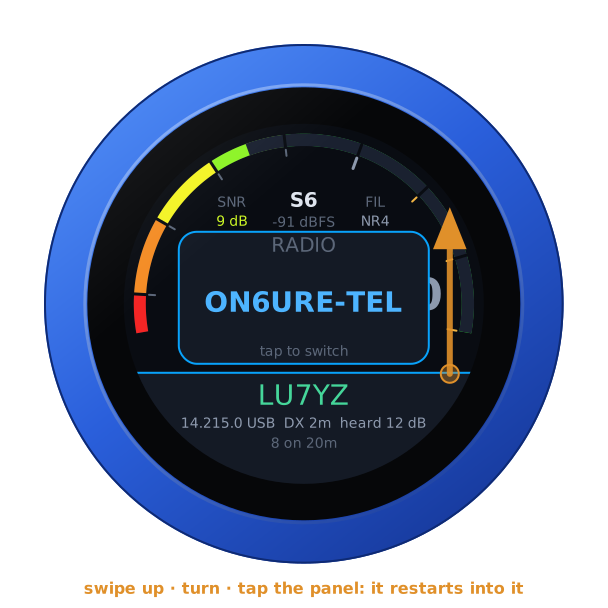
With more than one receiver in the list, swipe up: turn to one, tap the panel, and the knob restarts into it.
From a computer
With the receiver connected, the knob's page opens on its controls, with the spots and voices on the band, each one a button that tunes there, and the newest pictures of its SSTV gallery. The same works for other programs:
GET /api/radio                          the state, as JSON, with the spots and voices
GET /api/radio/set?freq=14074000        Hz, or MHz with a point (14.074)
    ...&mode=usb&lo=50&hi=2700&gain=3
gain is the noise filter by its place in the list: 0 off, then the
receiver's.
Another firmware
Hold the S-meter for the address card, then hold it again for three seconds until the knob buzzes, and turn: see the setup guide.