
Every firmware
A Bluetooth headset
The knob has a second chip beside its ESP32-S3: an ESP32 with classic Bluetooth, which the S3 has not. The knob is a Bluetooth headset's audio gateway — what a phone is to it. While a headset is connected:
- the knob's audio plays in it, as well as on the jack — mono, as the hands-free profile carries it: 16 kHz with a wideband headset, 8 kHz with an older one;
- its microphone is the one you transmit with, and the knob's own is off;
- its call button is the PTT: a press transmits, the next one stops;
- the PTT slab on the face is the headset's: its name, and its microphone, struck through in red while the headset has it muted. A tap on the slab only ever stops a transmission; it never starts one.
The UberSDR firmware only receives: there the headset is for listening, and only its logo shows, beside the spots.
The pictures are the knob's own screens.
Pairing
Open the knob's configuration page: hold a finger on the S-meter until the knob clicks, then browse to the address on the card. Bluetooth headset is there.
- Put the headset in pairing mode — on most, hold the call button with the headset off until its light flashes.
- Find headsets: the knob looks for ten seconds, headsets first in the list.
- Connect beside yours.
The knob remembers it, and calls it whenever it is switched on, as a phone does: switch the headset on and it is there in a few seconds. Disconnect lets it go until it calls again or you connect it; Forget it unpairs it.
On the knob
| A headset connected | Its microphone muted |
|---|---|
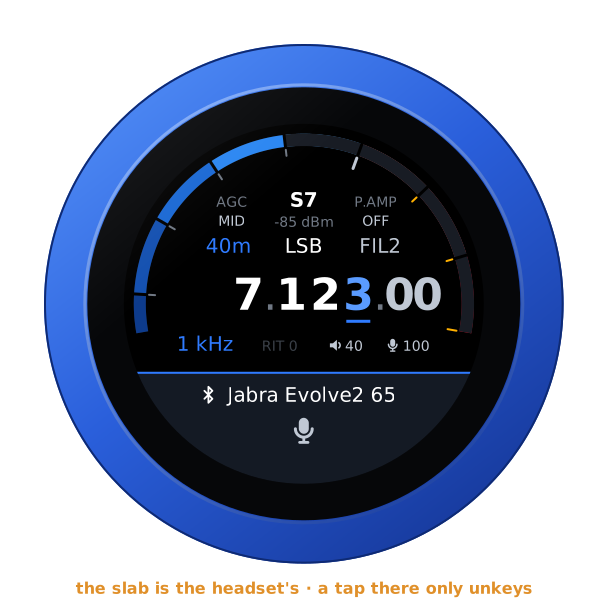 | 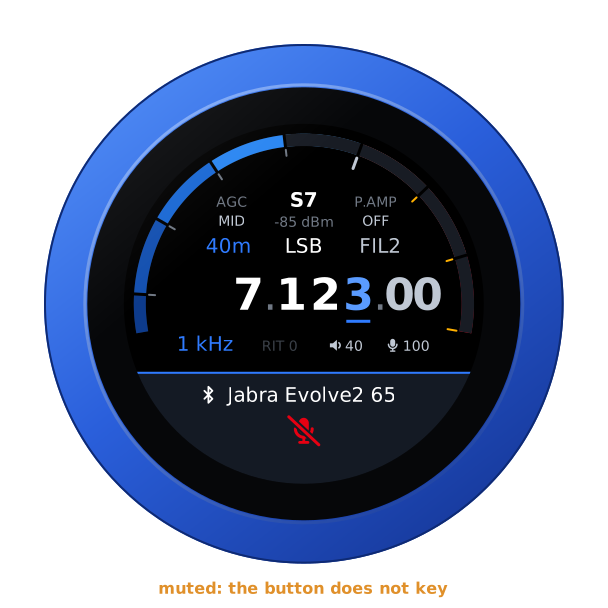 |
The headset hears what the jack plays, the knob's volume applied, and its own volume buttons on top. Its mute is read from the microphone gain it reports — 0 while muted, as the Jabras do; a headset that does not report it always shows its microphone live.
Transmitting
The headset's call button keys, and the next press unkeys. While the headset has its microphone muted, a press does not key — an over would be a dead carrier — and the knob clicks three times and says HEADSET MUTED. Unkeying is never refused.
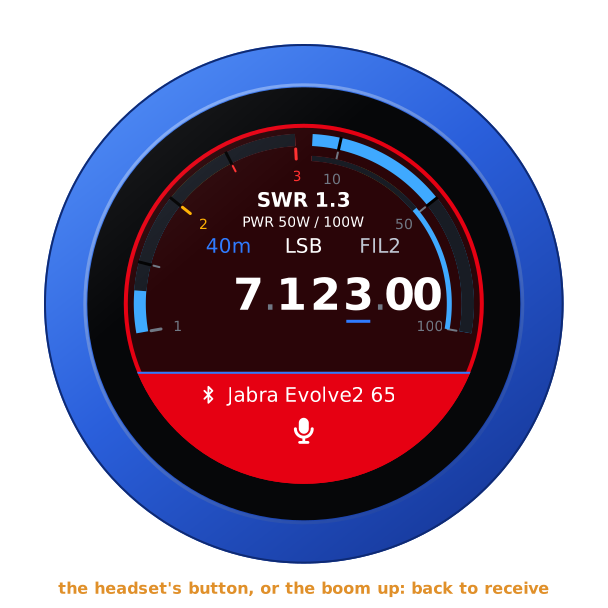
If the headset goes out of reach, or its battery runs flat, while you transmit, the knob unkeys: nobody could unkey from the headset any more. On the knob, a tap on the slab stops a transmission too.
The boom arm as the PTT
On a headset that mutes its microphone when the boom goes up — the Jabras do — the boom can be the PTT: tick The boom arm is the PTT under Bluetooth headset on the configuration page. Lowering the boom transmits; raising it stops.
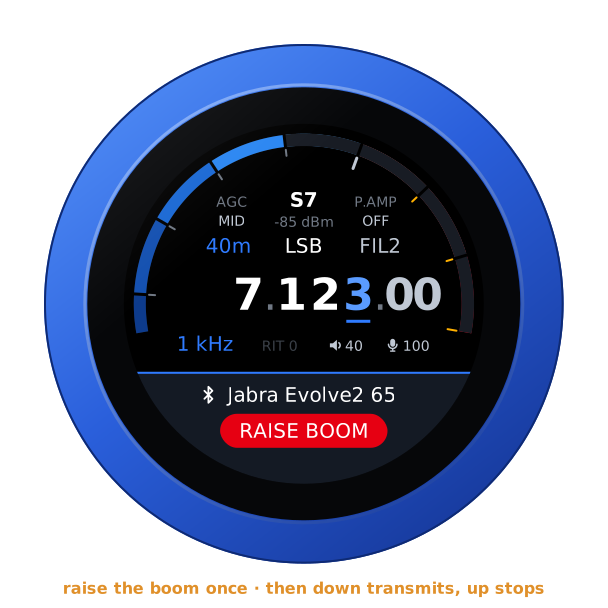
Never by itself: when the headset connects, or the knob starts, with the boom down, the slab says RAISE BOOM in red, and nothing transmits until the boom has been up once. The call button works as above all the while. The option is the knob's, whichever firmware it runs.
From a computer
GET  /api/bt                        the headset, its state, what a scan found
POST /api/bt   do=scan              look for headsets, ten seconds
               do=connect&bda=…     pair if need be, and connect
               do=disconnect
               do=forget&bda=…
               do=boom&on=1         the boom arm as the PTT (on=0: not)