
Every firmware
The screensaver
Every firmware has a screensaver. Left alone, the knob shows it, then dims it, then lets the screen go dark, so that the dial does not stand still on the screen for hours. A turn or a touch brings the dial back.
The pictures are the knob's own screens.
When it comes
On every firmware but the Clock and the Weather, until set:
- A minute with nothing done: the screensaver, at full brightness.
- A minute later: dimmed.
- A minute after that: dark.
Turning the knob, touching the screen and transmitting all count as use, and start the minutes again. So does anything the knob asks you, and a call on the Telephone, from its first ring to its end: a call ringing in brings the dial back by itself.
The first turn or touch on a screensaver or a dark screen only brings the dial back: it does not tune, key or tap whatever was under your finger. The next one does.
The Clock and the Weather are screens to look at: theirs is None and never dark, until set.
The settings
Under Screen on the configuration page:
| Setting | |
|---|---|
| Screensaver | Matrix rain, Analog clock, Digital clock, Drifting frequency, or None |
| Screensaver after | minutes with nothing done, 0 for never |
| Dim after | minutes more, 0 for never |
| Go dark after | minutes more, 0 for never |
| Brightness | the screen's while it is lit, 10 to 100 %, 80 % until set; dimmed, it is dimmer |
Each time counts from the one before it. With None the dial itself stays up, and dims and goes dark at the same moments. A knob whose owner had set Dim after and Go dark after before the screensaver came keeps those moments: the screensaver from the old dim time, dimmed a minute later, dark at the old dark time.
The clocks follow Time zone and Hours on the same page, and the Clock face set there.
Matrix rain
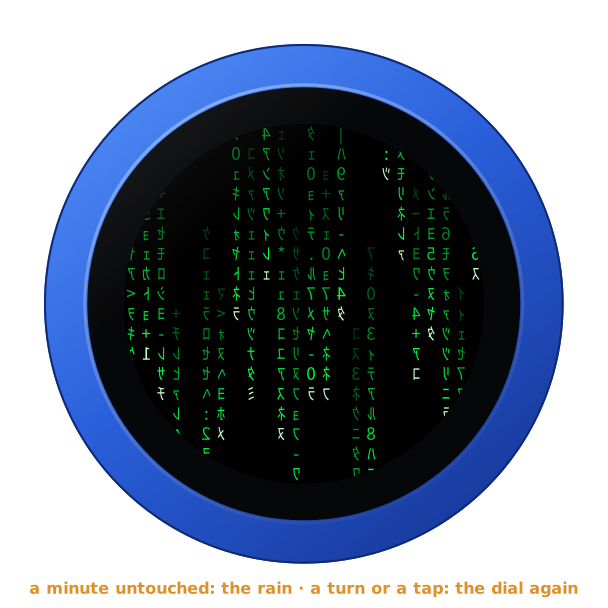
The default. Columns of green characters fall, each at its own speed, a pale head and a trail that fades, the characters mirrored as in the film.
Analog clock
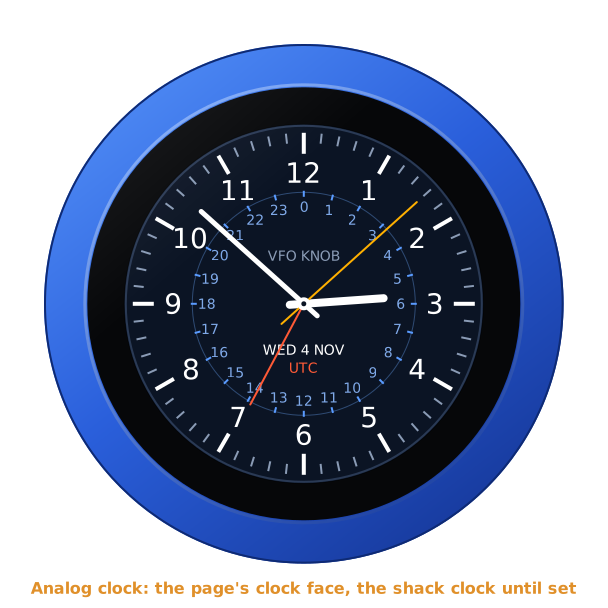
The clock face set on the page: the shack clock, with UTC on its 24-hour ring, until set; or the Diver or Classic white. The faces are the Clock firmware's.
Digital clock
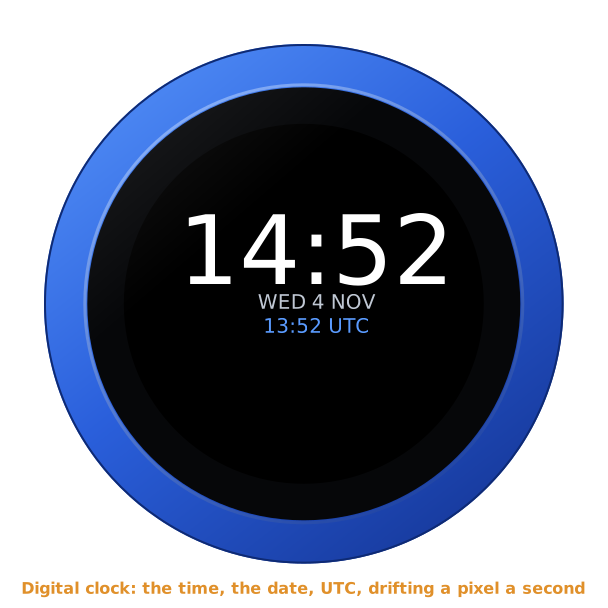
The time large, the date and UTC under it, moving a pixel a second round the glass and bouncing off its edge.
Drifting frequency
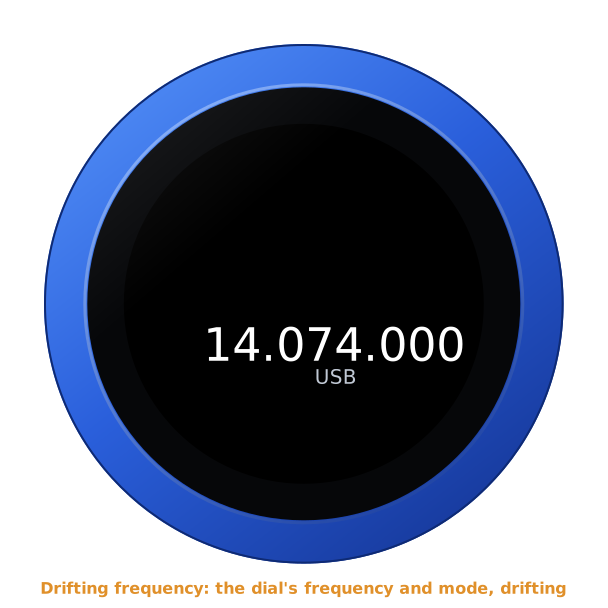
What the dial shows largest, drifting the same way: on a radio the frequency and the mode, or the memory channel; on SVXConnect the talk group and the reflector; on the Telephone the favourite on the dial; on EpiBeam the beam's direction and heading; on ADS-B Radar its range; on the Clock the time and the date; on the Weather the temperature and the sky in words.
The time
The knob takes the time from the internet (pool.ntp.org) once it is on WiFi, in UTC; on the AetherSDR firmware's cable, once the computer passes it on (the internet over the cable). Until the first answer, the clocks say NO TIME YET. Without an answer for a day, they turn grey.
Dark
The screen off. A turn or a touch lights it, and the dial is back as it was.