
vfo-knob-multiflex
The FlexRadio firmware
vfo-knob-multiflex talks to a FLEX-6000 or FLEX-8000 itself, over the
radio's own API — no SmartSDR, no AetherSDR, no computer. The knob is one of
the radio's MultiFlex stations, beside SmartSDR, AetherSDR or a Maestro, in the
Maestro's colours: on the LAN, or through SmartLink for a radio away from
home.
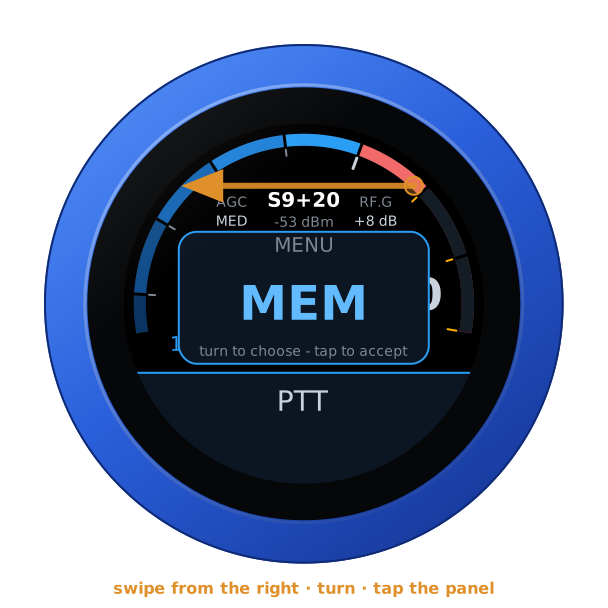
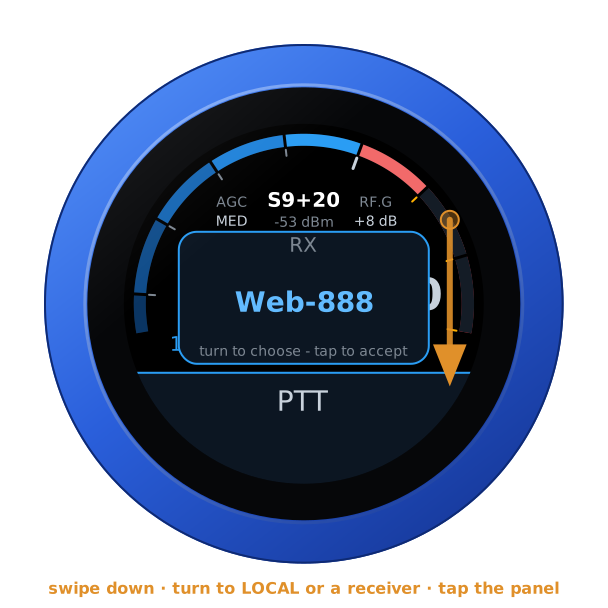
The pictures are the knob's own screens; the orange marks are what your hand does.
Before you start: the radio
MultiFlex must be enabled on the radio. On the LAN the knob needs no login; through SmartLink it logs in to your SmartLink account.
Tell the knob where the radio is
Open the knob's configuration page — hold a finger on the S-meter until the
knob clicks, and browse to the address on the card; user admin, password
admin until you change it.
- On the LAN: under FlexRadio, the radio's IP address (it announces
itself by broadcast, which the knob does not look for yet) and port
4992. Up to four radios, with a name each for the dial. - Through SmartLink: under SmartLink, your account's email address and password, and Log in to SmartLink. The password goes to FlexRadio's login service and is not kept: the knob keeps the login it is given, until you log out there. Your radios are listed, each with Use now; with Offer these radios on the knob they come after the LAN ones on the dial.
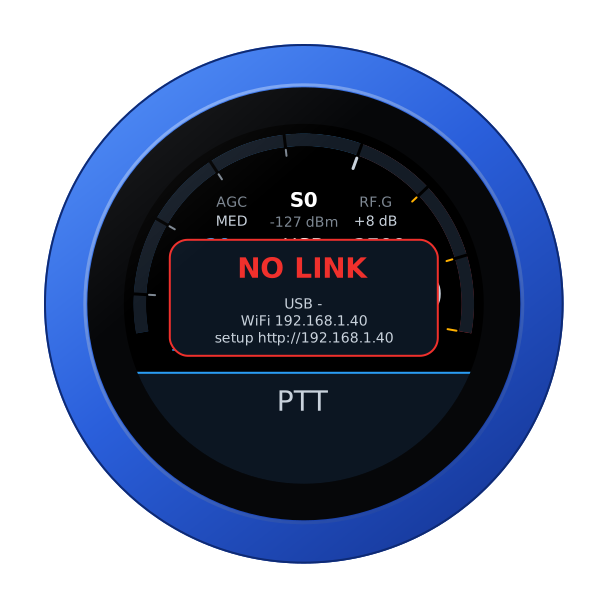
Until the radio answers, the knob says so, with its own addresses:
Your own station, or the dial for one
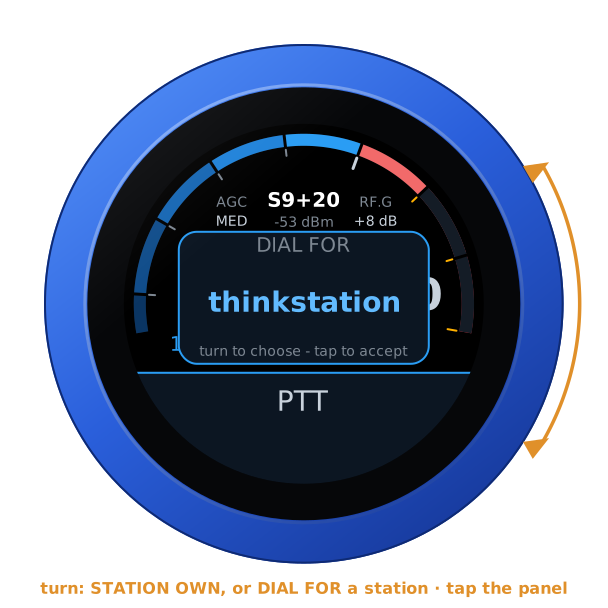
At the start, with other stations already on the radio, the knob asks what to be — turn, and tap the panel:
- STATION OWN — a station of its own: its own slice, which the radio gives back where it was after a restart; its own audio both ways, as Opus over WiFi, so the knob's speaker and microphone are the station; its own transmit settings.
- DIAL FOR station — the dial and PTT for a station already there, like a FlexControl on its computer. The knob tunes that station's active slice and follows when its operator clicks another; PTT keys that station, with that station's microphone. The knob plays no audio.
The last choice is offered first, and taken after 30 s without an answer; with nobody else on the radio the knob does not ask. Through SmartLink the knob is always its own station.
The face
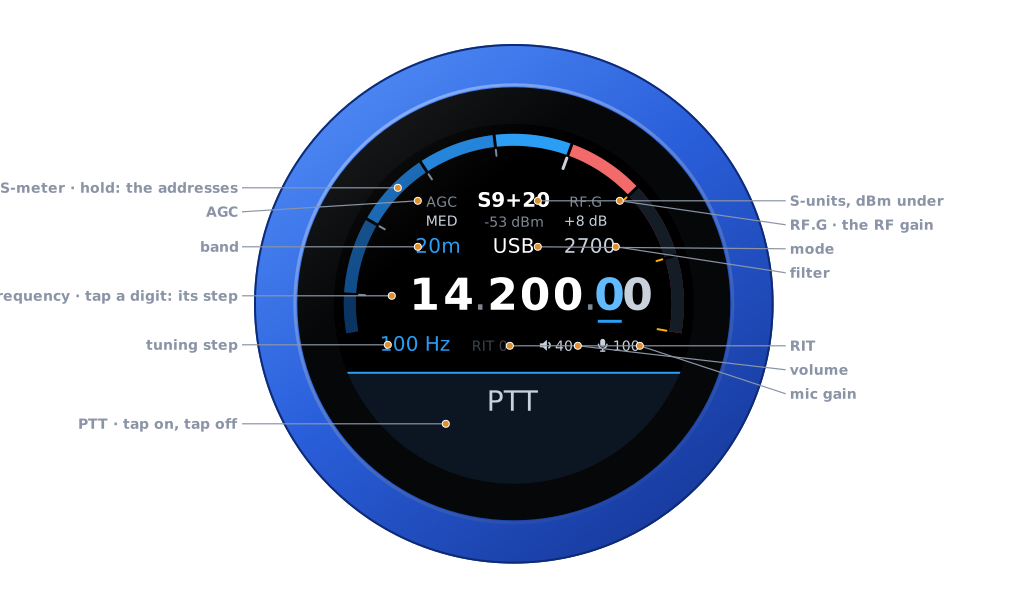
| Part | Tap | |
|---|---|---|
| S-meter | hold: the address card | S-units, peak held a second; dBm under the reading |
| AGC | the AGC editor | FAST, MED, SLOW, OFF |
| RF.G | the RF gain editor | the panadapter's RF gain, −8 to +32 dB |
| Band | the band editor | the band's own frequency, on a tap on the panel |
| Mode | the mode editor | USB, LSB, CW, AM, SAM, FM, NFM, DIGU, DIGL, RTTY |
| Filter | the filter editor | its width, on the side of the carrier the mode uses |
| Frequency | a digit: the tuning step | the underlined digit is the step |
| Step, RIT | RIT: its editor | RIT in amber when set |
| Volume, mic gain | their editors | the knob's own levels |
| PTT | key, and key off | see Transmitting |
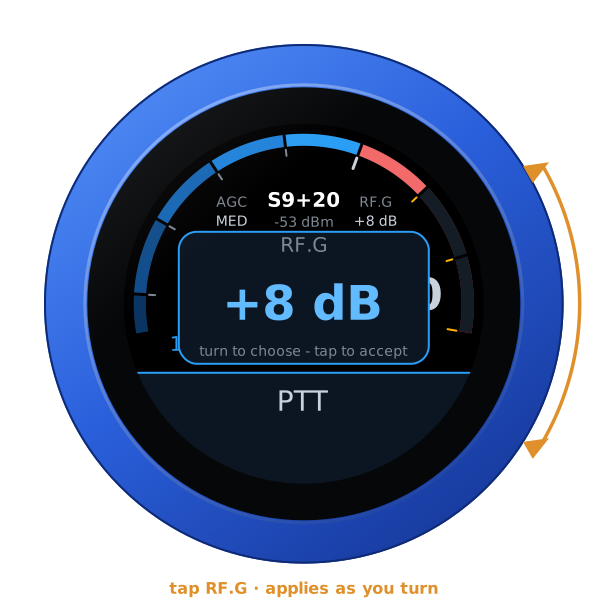
Turn the knob to tune: a slow turn moves a step at a time, a flick crosses a band. Band and mode change on a tap on the panel; filter, AGC, RF gain, RIT, volume and mic gain apply as you turn, and any tap closes them.
Swipes
| Swipe | Opens |
|---|---|
| From the right | the menu: TUNE, a carrier at the tune power, for an external tuner or to check SWR — PTT stops it, and it stops by itself after 30 s; ATU, one cycle of the radio's tuner; MEM, the tuner's memories, lit when on — a tap switches them and the menu stays. It opens on MEM: TUNE and ATU are a turn away |
| Down | RX: LOCAL or a web SDR, when the knob has some |
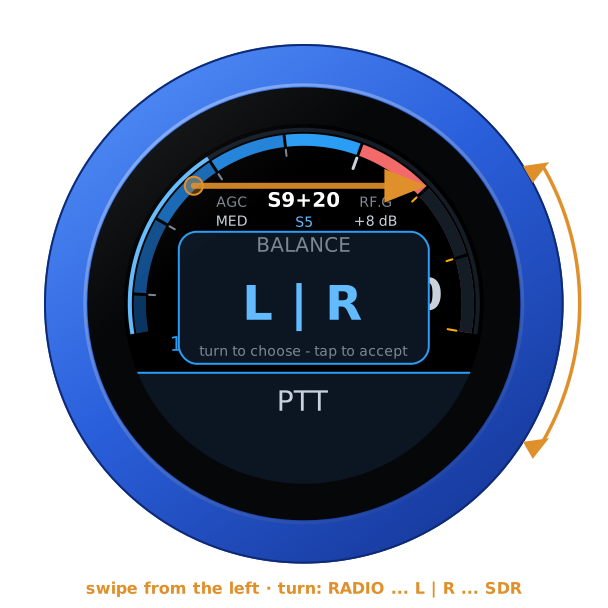
| From the left | BALANCE, while a web SDR plays |
| Up | RADIO: another radio — on the LAN or through SmartLink |
| The menu | Another radio |
|---|---|
 | 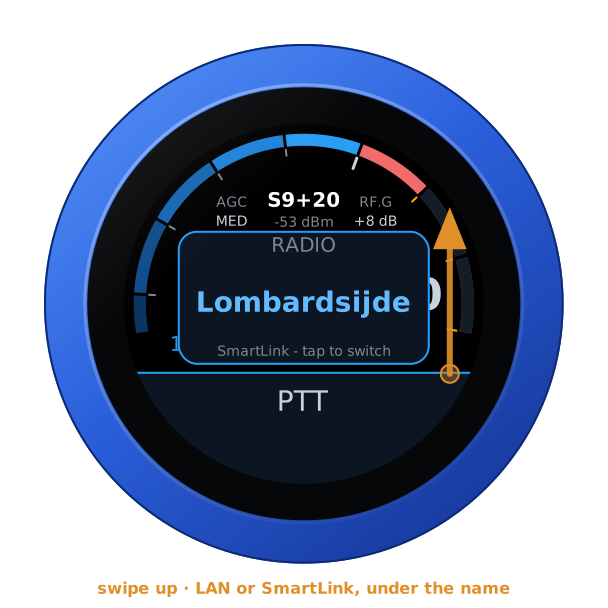 |
The same radio can be in the list twice, once on the LAN and once through SmartLink: LAN or SmartLink under the name says which. Chosen, the knob restarts into it.
SmartLink
Through SmartLink the knob asks FlexRadio's server to introduce it to the radio, then reaches the radio over TLS. The radio's certificate is its own, self-signed: the knob pins it the first time, as AetherSDR does, and refuses a different one until you log in again. After that it is the same station as on the LAN, audio and PTT included. A radio reachable only by hole punching — neither a forwarded port nor UPnP — is listed but not yet connected to.
A web SDR beside the radio
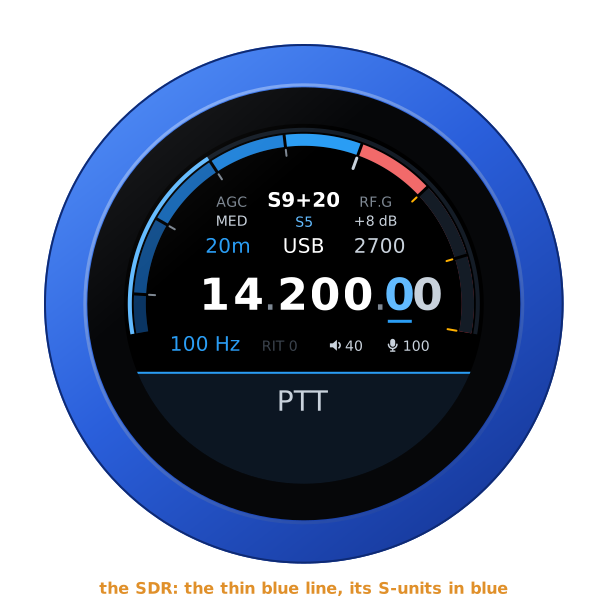
A KiwiSDR, a Web-888 or an UberSDR can play beside the radio, following its frequency, mode and passband: add them under Web SDRs on the configuration page, each with a Test, then swipe down and choose one. The radio is in the left ear and the SDR in the right, both brought to the same loudness; the SDR's S-meter is the thin blue line outside the radio's, its reading the blue one under the radio's. The SDR is silent while you transmit.
| RX | Playing | BALANCE |
|---|---|---|
 |  |  |
Transmitting
PTT is a toggle: tap to key, tap again to unkey. It keys as the finger lifts from a tap — a swipe that starts on it never keys — and on the air a touch unkeys at once. The knob says why when the radio will not transmit: out of band, or another station on the air. The face turns red: SWR across the left half, forward power across the right, the microphone on the thin inner ring.
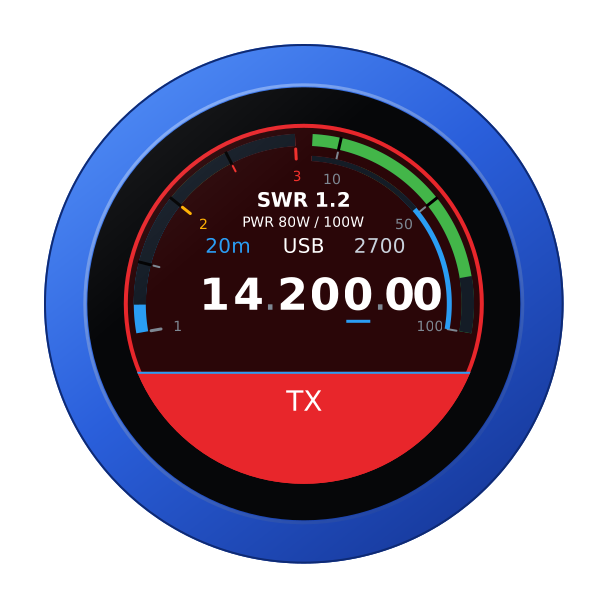
As a station of its own the knob is safe from losing power mid-over: the radio stops a station's transmission when it leaves. As the dial for another station it is not — that station is still there — so the radio's transmit time-out is the backstop.
From a computer
With the radio connected, the knob's page opens on the radio's controls, and the same for other programs:
GET /api/radio                        the state, as JSON
GET /api/radio/set?freq=14074000      Hz, or MHz with a point (14.074)
POST /api/radios/switch  to=1         another radio: the knob restarts into it
Another firmware
Hold the S-meter for the address card, then hold it again for three seconds until the knob buzzes, and turn: see the setup guide.